
How to Use a Productivity Recipe for Better Daily Focus
You close your laptop after a packed day and realize the productivity recipe you tried left no room for the proposal that mattered. Messages came in, small tasks piled up, and your best work never got started. That frustration is common when priorities compete, interruptions accumulate, or a routine does not fit your real day.
A better approach begins with your actual responsibilities, goals, and available time. You can build a repeatable routine, test it, and adjust it as life changes. It is not a guaranteed formula, and it does not need to fill every hour. A useful system can start with one small change and grow as you learn what helps.
Key Takeaways
- Build your routine around your own work patterns and obligations.
- Choose one daily priority that supports a meaningful goal.
- Protect focus, group small tasks, and make room to recover.
- Use a brief closeout and adjust the routine when your week changes.
What Makes a Productivity Recipe Work?
Two people can use the same task list and get different results because their schedules and energy differ. A useful recipe accounts for those differences. It is a personal sequence of habits, environment choices, and scheduling decisions that makes focused work more likely.
The difference between a list, a calendar, and a recipe
A to-do list captures what you need to do. A calendar shows when you plan to do it. A recipe connects those choices: it sets out how you prepare to begin, make room for demanding work, and manage the rest of your day.
That demanding work may be deep work: uninterrupted concentration on demanding cognitive tasks that need sustained attention. A list alone cannot protect it, and a calendar alone cannot explain what helps you follow through. Your personal system combines both with choices that fit your day.
The ingredients that make a routine repeatable
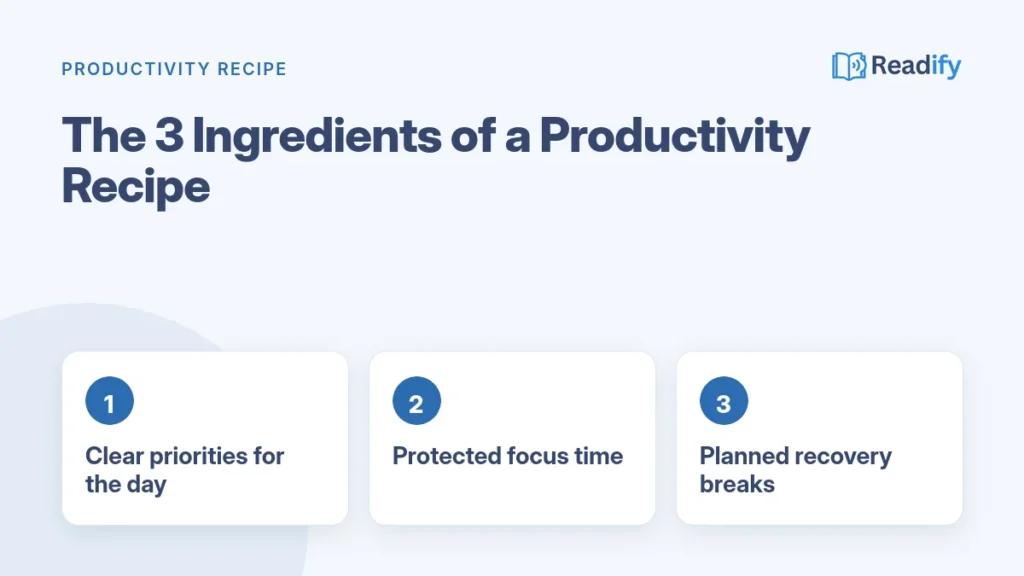
Your routine will take shape around awareness of energy, a starting cue, a priority, protected focus time, task grouping, recovery, and a closeout routine. Those ingredients do not have to happen in a rigid order. Their purpose is to make the next useful action easier to recognize and begin.
Copying someone else’s full routine before checking whether it fits your responsibilities is a common mistake. A parent with morning care duties and a person with a quiet early commute may need different starting points. Personalization starts with noticing those differences, then observing when work feels easier or harder.
Free Ebooks to Build Your Productivity Recipe
Each ingredient of a good productivity recipe has its own free Readify guide. Download the ones you need and test them in your daily routine.



See all free ebooks · Premium ebooks and audiobooks
How Can You Find Your Best Focus Hours?
The same writing task may feel clear at 9 a.m. and slow at 3 p.m. Track energy and focus for two weeks before you rearrange your schedule; a repeated pattern is more useful than a guess about mornings.
Free ebook: learn to plan your day around your energy with Boosting Productivity.
Track energy and focus before changing your schedule
Three times a day, rate your energy and focus quality from 1 to 5. Add a few words about the task and setting. You might note whether you were writing at home, joining calls, or working beside a noisy construction site.
Use a short log with four details:
- Time of day
- Focus rating from 1 to 5
- Energy rating from 1 to 5
- Main distraction or helpful condition
After two weeks, look for patterns in the ratings and notes. Many people notice a clearer one-to-two-hour peak in the morning or evening. That is a common pattern, not a rule. Your best time may shift with the kind of work, your sleep, or your responsibilities.
Notice what helps or interrupts concentration
Record what happened around a strong or weak rating. A quiet room, a clear next step, or a full inbox may help explain how your work time felt. Do not treat one day shaped by illness, travel, or an unusual deadline as a reliable pattern by itself.
Patterns give you a better basis for deciding when demanding work feels manageable. Once you see a useful window, you can ask which task deserves that attention instead of spending your clearest hours on whatever arrived most recently.
How Do You Choose Priorities That Matter?
Your inbox keeps growing even though you already know which work matters this week. Use weekly and monthly goals to guide daily choices, and treat your capture inbox as a collection place, not a ranking of importance.
Free ebook: turn your top priorities into finished work with Power Of Execution.
Connect daily tasks to weekly goals
Start with the goals that are active now. A weekly goal can point to work that needs attention today, while a monthly goal can help you judge whether a task supports a larger result. This keeps the day connected to outcomes rather than the length of a list.
When a new request arrives, move it into one trusted place for incoming tasks and ideas: your capture inbox. Then use a short sequence to decide what earns attention:
- Capture new tasks in the inbox.
- Identify which tasks connect to active goals.
- Check deadlines and dependencies.
- Choose what genuinely needs attention today.
Use a capture inbox without letting it set the agenda
The five D’s of productivity do not have one universal wording, but a practical filter gives you five choices: do, defer, delegate, delete, or discuss. Use the options to decide what happens next. A message that can wait does not need to become the day’s main event.
One mistake is treating every new message as more important than work already connected to a goal. After sorting, carry one worthwhile task forward as a candidate for tomorrow’s daily priority. A consistent morning trigger can then make starting that chosen task feel more familiar.
What Should Your Morning Trigger Include?
Pour a drink, sit down, and open the document you chose the night before. A morning trigger is a consistent action that signals the start of focused work and leads directly into your first planned task.
Free ebook: get 7 ready-to-use morning routines in 7 Morning Habits To Win The Day.
Keep the cue simple enough to repeat on an ordinary morning. You might clear your desk, review your daily priority, prepare tea, or take a short walk. The cue is useful because it removes a decision at the moment you are trying to begin.
The 3-3-3 productivity method sets aside three hours for focused work, three time-sensitive tasks, and three maintenance tasks. The three-hour focus period may need to change to fit your schedule and energy. It is a planning option, not a test of discipline.
Your morning trigger should end with action, not another round of preparation. If clearing the desk turns into reorganizing every drawer, or a long routine delays your work, shorten it. A cue works best when the next step is obvious and close at hand.
Try laying out what you need before bed: a notebook beside the laptop, a draft already open, or the materials for a planned task. The aim is not to control every part of the morning. It is to make the first move easier, then protect enough uninterrupted time to make progress.
How Can You Protect a Deep Work Block?
Your priority keeps getting postponed because meetings and small requests fill the day first. Schedule focused work when your energy is strongest, mark that time as busy, and decide the specific output you will work toward.
Put demanding work on the calendar
A 90-minute block is a useful minimum target for deep work, while a 25-minute Pomodoro can help you get started. Complex work may need more uninterrupted time. Use a length that fits the task and your job; not every role or schedule can hold the same block.
Before you begin, name a concrete output. “Work on the report” is vague; “draft the findings section” gives you somewhere to aim. Then remove easy routes into distraction and let coworkers know when you are unavailable, if your role allows it.
Make distractions harder to reach
Use these four protections to make the block more workable:
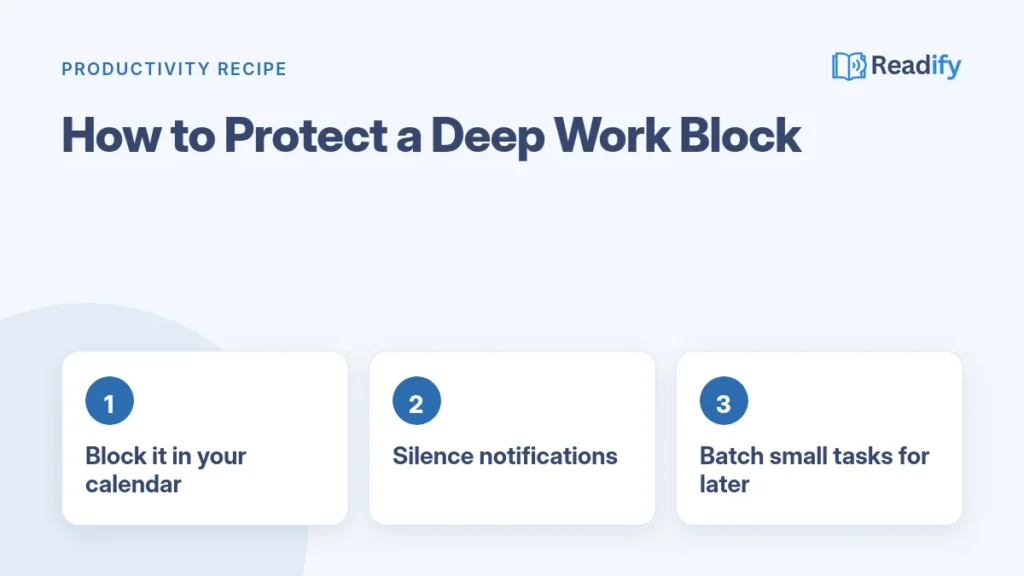
- Choose one task to work on.
- Set a start time and an end time.
- Close unrelated tabs or apps.
- Tell relevant coworkers when you are unavailable.
Silence nonessential notifications and keep only the materials needed for the chosen task within reach. If your work involves frequent live coverage or care responsibilities, shorter protected intervals may be more realistic than one uninterrupted stretch.
A calendar block cannot stop every urgent interruption, and it should not. It does make the plan visible, so you can reschedule rather than quietly lose the time. The next challenge is keeping small requests from repeatedly breaking that protected attention.
Grouping similar small tasks elsewhere in the day can help. When messages, calls, and routine admin have their own windows, fewer minor switches need to cut into the time reserved for demanding work.
How Does Task Batching Reduce Switching?
Checking messages after every alert pulls your attention away repeatedly; checking them during two planned windows can reduce those switches. Task batching means grouping similar tasks so you handle them together instead of changing context every few minutes.
Research summarized by the American Psychological Association shows that switching between tasks has a real cost in time and focus, which is why a good productivity recipe groups similar work together.
For example, answer messages at planned times instead of whenever a notification appears. If your work allows it, group calls together. Set aside a separate window for administrative work, rather than mixing forms and scheduling with creative work.
Each switch asks you to remember where you were and what comes next. After an interruption, returning to deep focus can take 15-25 minutes. That range is a reason to avoid unnecessary interruptions, not a precise prediction for every person or task.
Keep the system flexible enough to handle a genuinely urgent, time-sensitive issue. Batching too rigidly can make a small delay into a bigger problem. Decide which messages can wait and which ones need a faster response based on your role and commitments.
Once similar tasks have a place, your focus block is less likely to be surrounded by little unfinished chores. Demanding work still takes effort, though. Plan room to recover before moving straight into another stretch of concentration.
Why Should Your Routine Include Recovery Time?
Someone finishes a demanding block, opens email immediately, and wonders why the next task feels harder. A 10-15 minute transition between major work blocks is a practical starting point for recovery, not a mandatory rule.
Free ebook: find simple daily habits to stay calm and balanced in Master Anxiety.
Step away from the screen, walk around the block, stretch, or get water. A small change in setting can make the shift between tasks feel more real. Scrolling through a different app may keep your attention busy rather than giving your mind a clear transition.
Try the interval after a major work block and adjust it to fit your day. You may need more time after a demanding meeting or less between two simple tasks. The useful question is whether the pause helps you return with enough attention for the next piece of work.
A short deadline can call for a different rhythm. Even then, a few minutes of movement or a screen-free pause can create a break without requiring a long gap. Recovery is not time wasted; it helps you keep going without treating every hour as a sprint.
As the day winds down, unfinished work can make it hard to stop. A brief closeout gives those tasks a clear place for tomorrow, so work does not have to stay active in your head after you log off.
How Do You Reset at the End of the Day?
You can close your laptop after writing down the next action for a task that remains unfinished. An end-of-day reset can take no more than 10 minutes and gives open work a place to wait until tomorrow.
Close open loops before logging off
Note what you completed, capture unfinished tasks, and mark anything that truly needs attention tomorrow. For an open project, write the next action rather than a broad reminder. “Email Sam the revised draft” is easier to pick up than “finish project.”
Use the capture inbox so loose tasks do not stay scattered across notes, browser tabs, and memory. The 10-minute limit is a guide, not a reason to rush an important note. A few clear words now can spare you a longer search tomorrow.
Choose tomorrow’s priority while today is still fresh
Look at your current goals and select tomorrow’s one daily priority. It should be a task that would make the day feel successful, not simply the newest item on the list. Set aside what you need to begin, then log off when the reset is complete.
Leaving unfinished tasks only in your memory is a common mistake. The open loops can follow you into personal time because your brain keeps trying to hold them. A written next step gives you permission to stop without pretending every task is done.
Some days will still go sideways. A meeting may take longer than planned, or a family need may change the schedule. A useful routine needs a smaller fallback that lets you recover without rebuilding the whole system.
How Can You Keep the Recipe Working on Busy Days?
An unexpected meeting removes your planned focus block, but the day still needs a workable fallback. Keep a minimum version of your routine for disrupted days: one priority, one shorter focus period, and a brief closeout.
Free ebook: stop putting important tasks off, even on hectic days, with Productivity For Procrastinators.
Build a minimum version for disrupted days
A minimum routine gives you a way to keep moving without forcing an ideal schedule onto a difficult day. Choose the task that matters most, protect a shorter stretch for it, and record what remains before you stop. That is enough structure to preserve a sense of direction.
Do not design only for a perfect week and abandon the whole system after one schedule change. If the original focus period disappears, try a shorter one later or choose the next useful action. A flexible routine can bend without turning into a blank day.
Review what worked before changing the routine
At the end of the week, compare planned work with what you completed. Look for one friction point, such as a focus period regularly lost to meetings or an inbox that keeps interrupting. Change one feature at a time, then see whether that adjustment helps before rebuilding your productivity system.
Five practical ways to improve productivity are:
- Clarify the next action.
- Protect focus time.
- Batch similar tasks.
- Take real breaks.
- Review the plan.
Those practices give you specific things to test. For example, a clearer next action may help you begin a writing task, while a planned message window may cut down on interruptions. Keep the practice that helps and adjust the one that keeps adding effort without value.
Adjust the system for your actual setting
Remote work may call for a clear start cue and a visible sign that you are unavailable. In a shared space, headphones or a consistent location can serve as a boundary. If meetings shape your schedule, use the gaps that remain rather than expecting every morning to stay open.
Caregiving can make a long uninterrupted block unrealistic. Plan around reliable windows when possible, and keep a short task ready for a brief opening. If you manage freelance projects, a single system for tracking pitches, deadlines, project status, invoices, and income can help keep work details from spilling across scattered notes.
Regular writing hours can also leave room for client feedback and revisions, which rarely fit neatly into a first draft session. Choose boundaries and cues that suit your actual setting. Once your routine has a fallback, named productivity rules can be useful only when they solve a real planning problem.
Which Productivity Rules Can Help You Plan the Day?
A memorable productivity rule can sound neat on paper, while a routine that fits your calendar is more likely to last. Use rules as planning aids, not obligations; choose one only when it helps with a problem you have now.
Rules for choosing and prioritizing work
The top 10 productivity strategies are to prioritize, plan, capture tasks, time-block, protect focus, batch tasks, limit notifications, take breaks, review progress, and prepare tomorrow’s first action. The 5 P’s of productivity have no universal wording. A practical mnemonic is prioritize, plan, prepare, perform, and pause to review.
The 1/3/5 rule is a daily planning guideline: choose one large task, three medium tasks, and five small tasks. Scale that workload to your available time. A day filled with meetings may leave room for fewer tasks, and that is a more honest plan.
The 80/20 rule is a Pareto-style idea: a smaller share of your efforts may drive a larger share of results. It is not a guaranteed ratio for every person or job. Use it to ask which work has the greatest effect, not to dismiss tasks that still matter.
Rules for budgeting time and getting started
“Elon Musk’s 5-minute rule” is a phrase used for planning in five-minute increments. The name alone does not establish a personal origin or use, and five-minute slots will not suit every task. A complex project often needs more room than a short planning interval.
The 7 8 9 rule is a rough 24-hour time-budget mnemonic: seven hours of sleep, eight hours of work, and nine hours for other activities. It is not a validated productivity formula or a demand that every day fit those exact amounts.
Any shorthand can become a source of pressure if it clashes with health, workload, or available time. Pick the one rule that solves a current problem, then take one small next step, such as putting tomorrow’s first action on your calendar.
Keep reading
Conclusion
Better daily focus begins with a small routine built around your real priorities and schedule. A useful productivity system is one you can repeat and adjust, not one that looks perfect on paper. Work will change, and your routine can change with it.
Ready to test your own productivity recipe? Start tomorrow with the free 7 Morning Habits ebook.
Start with one day rather than trying to remake your whole week. Choose a single day to record your energy, interruptions, and the task that mattered most. Those notes give you a concrete first step toward a routine that supports your goals.
FAQ
What is a productivity recipe?
A productivity recipe is a repeatable daily routine that combines a few ingredients: clear priorities, protected focus time, planned breaks and an end-of-day reset.
How long should a deep work block be?
Start with the time you can truly protect, even 30 minutes, and extend it as your focus improves. Many people work well with blocks of 60 to 90 minutes.
What should I do with my productivity recipe on busy days?
Use a minimum version: choose one priority, protect one short focus block and keep your end-of-day reset.
How often should I change my productivity recipe?
Review it once a week. Keep what helped, remove what did not, and test one small change at a time.
2 Comments
Comments are closed.