
 7 Morning Habits To Win The Day - PDF
  Productivity For Procrastinators - PDF
  Boosting Productivity - PDF
  Achieving Your Dreams - PDF
 25 Profitable Digital Products to Sell Online in 2026
Looking for digital products to sell in 2026? Below you’ll find 25 profitable ideas, from ebooks and templates to online courses, plus how to choose one, price it and make your first sale.
You may already have a skill someone else wishes they could borrow. Turning that know-how into a small online offer can feel more manageable than building a huge catalog from scratch. A digital product is an intangible good delivered electronically, such as a file or online access.
Strong sales depend on a useful offer, a defined target audience, and steady promotion, not simply uploading a file and waiting. Your time, skills, and income goals can help you choose a realistic first step, from teaching and creative assets to business tools and recurring access.
Key Takeaways
- Start with a problem you understand and buyers want solved.
- Choose a format you can create and maintain with your available time.
- Test interest before building a polished, large-scale offer.
- Show buyers exactly what they receive and how they can use it.
- Use a practical path from idea to testing, selling, and improving.
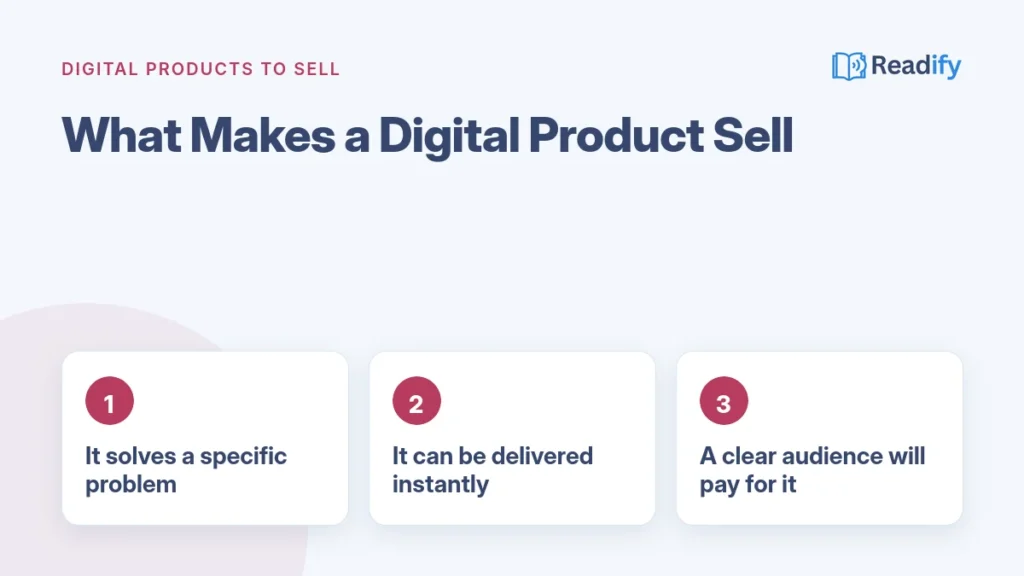
What Makes a Digital Product Worth Selling?
A digital product reaches a buyer electronically, while a physical item needs packing and shipping. Digital delivery avoids physical inventory, packaging, and shipping, but it does not guarantee sales. Your offer still needs to meet a real need.
Some products are downloadable files, such as ebooks, worksheets, or design assets. Others give customers online access to courses, software, or a membership. Both formats can work when the buyer understands what is included and how it helps.
A focused product might save someone time, teach a useful skill, or provide a ready-to-use resource. A new manager could use a meeting template, while a beginner might follow a short course to learn a specific task.
Platforms can deliver files or manage access, but you may still spend time answering questions, updating content, or helping customers. Low fulfillment costs do not remove the work of supporting an offer.
The product’s value comes from solving a clear problem in a format buyers can use. Choose an idea that fits your skills and what your intended customers need.
How Do You Choose an Idea That Fits Your Skills and Audience?
A designer who keeps formatting client proposals could sell an editable template pack instead of taking on another custom project. The best idea sits where your skills, your target audience’s problem, and your available time overlap.
Already have an idea? Launch Your Digital Products Business walks you from idea to first sale: the platform to use, a launch checklist and a real profit example.
What Is the Easiest Stuff to Sell Online?
The easiest stuff to sell online is often a focused template, printable, short guide, or small tutorial. It is easier to make when you already understand the buyer’s problem and can explain the solution clearly.
Existing expertise can lead to coaching, courses, or ebooks. Creative skills may suit art, illustrations, and templates. Technical skills can support apps or software, though those offers may need testing and ongoing maintenance.
Choose a Format That Fits Your Time
Think about the work after launch, not only the time needed to create the first version. A downloadable checklist may need occasional updates. Coaching involves scheduled sessions, while a course may bring learner questions and requests for new lessons.
Consider what makes a profitable digital offer sustainable for you. A narrow niche can make a specific problem easier to describe, but an audience still needs to care about solving it. List the skills you can demonstrate, the people you understand, and the support you can provide.
Then compare one-time sales with ongoing delivery. A small resource can be a practical test, while a membership asks you to keep providing value. Shortlist a few promising ideas before reviewing the first group of products.
Digital Products to Sell for Learning and Coaching
A coach who gets the same questions about a skill can turn clear answers into a short lesson or guide. Learning products work best when they lead a specific learner toward a concrete outcome. Trending digital products often solve recurring problems, such as learning a skill or saving preparation time.
Here are five digital products to sell online if you can teach, guide, or organize useful knowledge. Start with one learner and one result, rather than trying to cover everything at once.
- Online courses: Beginners may want to learn a practical skill, such as making a household budget. A first version could include three short lessons and one practice sheet. Avoid building a broad course before you know the learner’s desired outcome.
- Coaching or mentorship packages: A job seeker may need help preparing for interviews. Offer a small package with a defined number of calls and a preparation worksheet, so buyers know what guidance they will receive.
- Ebooks: A new gardener might want a simple guide to growing herbs in containers. Begin with a focused ebook, a few clear illustrations, and a short checklist for the first planting.
- Webinars or workshops: Small-business owners may need a guided session on organizing monthly expenses. Test a live workshop with one topic, a short presentation, and time for questions.
- Study guides or teacher resources: A teacher may need classroom activities for a particular age group or subject. A first set could include lesson outlines, printable exercises, and answer guidance.
Online courses can cover a skill in more depth, while a workshop can offer focused practice in one sitting. Coaching suits buyers who want personal guidance. Ebooks work well when people need a resource they can read at their own pace.
Keep the promise narrow enough to fulfill. The buyer should know what they will learn, practice, or prepare before paying. From teaching products, you can move to creative assets for people who make visual or audio work.
What Can Artists and Creators Sell as Digital Assets?
An illustrator can package a coordinated set of downloadable prints around one theme, such as plants for a home office. Clear previews, polished files, and plain usage permissions help buyers decide what they are getting.
Artists and creators can sell original work as individual downloads or useful bundles. The right format depends on who will use the asset and what they need to do with it.
- Digital art prints or illustrations: Home decorators and small publishers may want printable artwork. Bundle several sizes and file types, and explain whether the buyer receives a personal-use license or broader usage rights.
- Stock photos or videos: Bloggers and small brands may need images for websites or social posts. Group files by subject, include useful previews, and explain where customers may use the licensed work.
- Music and sound files: Podcasters, video makers, or game creators may need a short intro, music bed, or sound effect. Include clearly named MP3 or WAV files and state the allowed use and any limits.
- Fonts: Designers may want a typeface for a brand or project. Package the font files with a sample sheet, installation notes, and clear terms for personal or commercial use.
- Procreate brushes or palettes: Digital illustrators may want tools for a particular style, such as watercolor textures. Provide compatible files, a preview of the effect, and simple import instructions.
Asset quality matters, but buyers also need to see what a file can do. Show previews that match the actual product rather than relying on attractive mockups alone. A digital artwork buyer may receive a personal-use license, not ownership of the underlying copyright.
For every asset, say what can be copied, edited, shared, or used commercially. A license should make the buyer’s permissions easy to understand before checkout. From standalone creative work, you can move to editable systems buyers can adapt.
Which Templates Save Buyers the Most Time?
A small-business owner can reuse a ready-made client proposal rather than formatting every new document from scratch. A useful template gives buyers an editable starting point and enough guidance to customize it.
Templates are practical digital products because they help customers skip setup work. Buyers still need to understand how to edit the files and what software they need.
- Canva templates and branding kits: A new shop owner may need consistent social graphics. Include editable layouts, a short color and font guide, and instructions for replacing sample text and images.
- Notion dashboards: A freelancer may want one place to track projects and deadlines. Provide a sample workspace, explain each database, and show how to duplicate and change the setup.
- Spreadsheet or database templates: A household or small business may need to track expenses or orders. Include labeled fields, working formulas, and a short note explaining which cells are safe to edit.
- Website themes or UI kits: A designer or new site owner may need a starting layout for a page or app. State the software and file types, include reusable components, and explain how to install or adapt them.
- Resume or career templates: A job seeker may want a clean resume layout and cover letter. Offer editable files in common formats with brief guidance on replacing sample details and keeping the layout readable.
Editable Canva templates can save time, but a polished look is not enough. A layout that breaks when text changes or lacks setup instructions can frustrate buyers. Test the template with realistic content before sharing it.
Explain what tools the customer needs and what parts can be changed. A short setup guide can prevent avoidable support questions. Next, consider personal, hobby, and household products that help buyers plan or make something.
What Can You Sell to Help People Plan and Create?
A busy household can use a ready-made weekly meal plan to spend less time deciding what to cook. Planning and hobby downloads should be accurate, clear, and ready for the buyer’s intended app or printer.
These products work when they remove a small, repeated task or help someone start a creative project. Make the first use obvious, so buyers do not need to guess what to download or print.
- Digital planners or journals: A student may want a simple weekly study planner. Include a tablet-friendly PDF, clear page dimensions, and a note about compatible annotation apps.
- Digital stickers: A planner user may want stickers for marking appointments or habits. Group PNG files by theme, include transparent backgrounds, and explain how to import them into a planner app.
- Meal plans or recipe collections: A parent may want quick vegetarian dinners for busy weeknights. Include serving sizes, ingredient lists, and a grocery list. Dietary-specific plans need suitable expertise and careful labeling.
- Craft patterns: A beginner knitter may want a scarf pattern with a clear skill level. Include materials, abbreviations, finished dimensions, and step-by-step instructions with helpful diagrams.
- Printable party games: A host planning a baby shower may need a ready-to-use activity. Supply a print-ready PDF, state the number of players, and include clear instructions and answer sheets when needed.
Printables should match the paper size and printer setup buyers are likely to use. Digital files should name any app or software needed to open them. A quick test on a phone, tablet, or home printer can reveal confusing steps.
Useful instructions make a download feel complete, not like a task left for the customer. Once you have considered individual planning and creative needs, turn to business operations and offers that deliver value over time.
Which Business Tools and Subscriptions Have Repeat Value?
A freelancer who repeatedly needs the same business documents could package them into a startup kit. A subscription makes sense only when you can reliably deliver continuing value. Some offers are one-time resources; others require updates, support, or new content.
These ideas can support business tasks or specialized needs. Before choosing one, decide whether buyers need a finished resource once or ongoing access.
- Paid memberships or communities: Independent makers may want regular peer discussion or expert guidance. A membership needs a dependable schedule of resources or events, plus active work to keep the community useful.
- Paid newsletters or content kits: A local business may need fresh planning prompts or campaign ideas. A newsletter requires regular delivery; a content kit can be a one-time bundle if buyers need a set of ready-to-use materials.
- SaaS or mobile apps: A small team may need a focused tool for a repeated task, such as organizing work requests. Software requires testing, updates, and support, not just an initial launch.
- AI prompt packs: A marketer may want prompts for outlining product descriptions or social posts. Explain the intended use and include examples, while making clear that users need to review generated content.
- Business startup kits: A new freelancer may need a basic collection of planning documents. Include editable files such as an intake form and project checklist, with a guide to adapting them.
One-time resources can be simpler to maintain than software or subscriptions. Still, a useful kit may need corrections as tools or common workflows change. Memberships and newsletters depend on delivering new value often enough to justify ongoing access.
Do not promise weekly material if you can only create it once a month. A reliable pace helps protect trust and makes your workload easier to manage. Before spending weeks building any offer, check whether likely buyers want it.
How Can You Check Demand Before Building?
A creator can ask an audience whether a narrowly described resource would solve a current problem. A 48-hour test can reveal early interest before you spend weeks making a product.
What Sells Quickly for Cash?
Useful, specific offers shown to an already-relevant audience may get a faster response. A resume template shared with job seekers is easier to assess than a vague promise to help everyone. No idea guarantees quick sales or a fixed timeline.
On day one, post the idea and invite people to respond with the problem they want solved. Keep the description narrow. Ask what buyers would expect the resource to include, and note repeated questions rather than treating one comment as proof.
What Is Hot to Resell Right Now?
Demand shifts, so a trend that attracts attention today may fade. Before offering someone else’s work, check whether its resale or PLR permissions allow your intended use. A file being available for sale does not automatically give you the right to resell it.
On day two, open a waitlist or pre-sale. A pre-sale is an offer made available for purchase before the final version is finished. Explain what buyers will receive and when you expect to deliver it.
Watch for meaningful signs, such as people joining the waitlist or asking how to buy. Real interest can help you decide whether to build a simple, polished first version. Treat weak responses as useful feedback, not a reason to keep building blindly.
How Do You Create a Digital Product for Free?
A creator can start with a basic document and screen recording instead of buying new equipment. You can make a useful first version with existing skills and free tools, though paid features or platform charges may apply.
Draft the Smallest Useful Version
Start with one defined result and only the content needed to deliver it. A concise guide, editable template, short recording, or resource bundle can be enough to test the promise.
Use free software tiers or tools you already know. Google Docs and Apple Pages can handle written guides. Canva can help with simple layouts, while Notion can support an organized resource. Audio and video editors can record or trim short lessons.
Package and Check the Buyer Experience
Choose a file type that fits the material and the customer’s likely device. Common delivery formats include PDF, PNG, MP3, and ZIP. A bundle should have clear file names and a short guide explaining what each item does.
Before sharing the product, check these four things:
- Open each file and make sure it displays or plays correctly.
- Test every link from the final version.
- Read the instructions as a new buyer who has never seen the product.
- Confirm that every promised item is included in the download.
Check readability and compatibility, too. A guide should not rely on links that require special access, and a template should open in the stated software. Once the deliverable works, choose a channel where your intended customer can find it.
Where Can You Sell Digital Products Online?
A new creator comparing a marketplace listing with a link to a personal storefront faces a choice between built-in shopper traffic and greater control. A marketplace can help with discovery, while an independent storefront puts more responsibility on you to attract visitors.
Which platform should you choose? There are dozens of options, and picking the wrong one can cost you in fees and lost sales.
In Launch Your Digital Products Business, we reveal the platform we recommend to sell your files, why it beats the usual names, and the exact sales level where upgrading your plan saves you money. Get the guide →
Use a Marketplace to Reach Existing Shoppers
A marketplace is a sales channel with built-in shopper traffic. Many marketplaces list digital products, and shoppers may discover your offer while browsing. But visibility is not automatic, and sellers still need to present a useful product.
Some platforms let you start without an upfront cost, but the terms for transactions and payment processing vary. So “sell digital products online free” usually means starting without a setup fee, not selling with no fees at all.
Start With a Simple Storefront
An independent storefront is a seller-controlled site, such as your own website with a checkout. It gives you more control over the customer experience, while you take responsibility for bringing people to the site.
Some creators begin with a marketplace listing and later add a storefront. Others use a simple site to share one product link. The choice depends on how much control you want and whether you can reach shoppers yourself.
What Does Selling Immediately Actually Mean?
Free websites to sell products on can include services with no upfront setup cost, but payment and transaction terms still vary. A live listing or checkout can be set up quickly. That does not guarantee shoppers or an immediate payout.
Digital delivery can happen automatically after a completed order. Payment processing times depend on the channel and processor. Where to sell stuff immediately is often a question about getting a listing live, not making a sale or receiving money right away.
Choose a channel that fits how your intended customers shop and how much traffic you can bring. After your product is available where buyers can find it, set a price that reflects the offer and its value.
How Should You Price Digital Products to Sell?
A creator weighing a small planner against a more complete bundle should compare what each version helps the buyer do. Price depends on the product’s scope, buyer outcome, niche, comparable offers, and included support.
See the real numbers: our ebook Launch Your Digital Products Business breaks down a real profit example on a $19 ebook, fee by fee.
What Can You Sell to Make $1,000?
No product guarantees $1,000 in revenue. A seller’s income depends on the price, number of buyers, costs, and audience reach. For example, a lower-priced product needs more sales to reach the same gross revenue as a higher-priced offer.
That does not make a high price an automatic solution. Buyers must see enough value to choose the offer, and a small audience can limit the number of sales. Think of a revenue goal as a planning target, not a promised outcome.
Match the Price to the Value and Work
Simple digital planners often sell around $5-$20, while larger bundles can reach $25-$75. Those are general ranges, not universal prices. Depth, niche, and perceived value can shape what buyers will pay.
Compare offers that solve a similar problem, then look at what your product includes. A single weekly planner has a different scope from a bundle with multiple layouts and instructions. Support, updates, or customization may also affect the work behind the sale.
Start with a price that makes sense for the buyer’s result and the effort involved. Clear product details help customers understand what is included and why the offer may be useful. A clear listing makes its contents and value easier to understand.
How Can You Make a Product Listing Clear?
A buyer choosing between two listings needs to see what each deliverable contains and whether it fits their needs. A clear product listing names the files, shows the finished result, and explains how buyers can use them.
Choose a specific title that names the product and its intended buyer. In the description, explain the task it helps with and what the customer receives. Give practical details instead of broad claims about changing someone’s life.
Use preview images or sample pages that show the actual design. Include a list of files, file types, compatibility details, and any setup instructions. If a template has editable parts, point them out and show how the finished version might look.
State the license terms in plain language. Tell buyers whether they can use the item personally or commercially, and whether they can edit or share it. Link to clear terms where appropriate, such as Readify’s terms of use, which explain limits on copying and reselling purchased content.
Avoid mockups that make a small download look like a full toolkit. Attractive images should not conceal the real files, missing features, or software limits. Buyers who understand the deliverable can judge whether it fits their needs.
Once the offer is easy to understand, bring the right people to its listing. Useful demonstrations and relevant content can help likely customers see how the product fits into their work.
How Do You Promote Products Without a Big Ad Budget?
A template seller can post a short before-and-after example showing the time saved by using a finished layout. Free promotion costs time and consistency, even when you are not paying for ads.
Share Useful Content Where Buyers Spend Time
Show a practical tip or a brief demonstration where your likely buyers already spend time. A short video can show a template changing from a blank page to a usable plan. Social posts can answer one common question and point interested people toward the product.
Pinterest content may suit visual planners, recipes, or craft patterns. A blog can answer a question buyers search for and show a related example. Partnerships with people serving the same niche can introduce your work to an audience that already cares about the problem.
Useful, answer-first content can also make a brand easier to understand in search and AI-generated answers. Follow practical advice on brand visibility in AI search when you build content around clear questions and trusted mentions.
Build an Email List and Reuse What Works
Email updates give interested people a way to hear about new resources or relevant tips. Share useful material, not only sales messages. A steady, manageable schedule is more helpful than sending frequent notes you cannot sustain.
Track which posts and emails lead to visits, sign-ups, or purchases. A popular post with no product visits may need a clearer next step. A modest post that brings the right buyers may be worth repeating in another format.
Promotion takes focused effort, so use the response to choose your next move. You might improve the offer, repeat a message that worked, or add a continuing option for customers who need more.
How Can One Product Lead to Repeat Income?
A customer who buys a content calendar may later need matching caption prompts and campaign plans. Related offers can encourage repeat purchases, while subscriptions require ongoing access and delivery.
You can build on a useful first product by bundling related downloads or adding an advanced version. A beginner who starts with a simple planner may later want a more detailed system. Keep each follow-up offer tied to a need customers have already shown.
Updates are another option. A product might need revised instructions, new examples, or files that work with current tools. Tell buyers what changes are included and whether updates come with their original purchase.
Repeat purchases are different from subscription access. With repeat purchases, a customer chooses to buy another item. A paid membership offers access over time and needs a dependable schedule of resources, events, or support.
Memberships can create recurring revenue, but they are not effortless passive income. You need to deliver what you promised and give members a reason to stay. New content, useful community activity, and responsive support all take time.
Pay attention to what customers buy next and what they ask for. Their questions can show where a related offer would help. Set expectations about the continuing work involved in keeping customer trust.
What Should You Know About Licenses and Customer Support?
A seller should check the license attached to a purchased template before adding it to a bundle. Buying a resellable asset does not automatically let you modify it or claim exclusive ownership.
A license explains how someone may use a creative asset. Buyers need clear terms covering personal or commercial use, editing, and redistribution. You need to understand your own rights before you include another person’s content in a product.
Private Label Rights products can be edited, rebranded, and resold within their license terms. A standard resell license may allow resale as-is without giving you the same modification rights. Read the specific license before changing or selling an asset.
Do not assume that a resale permission lets you present someone else’s work as your exclusive creation. If buyers receive permission to reuse or redistribute a file, state those limits clearly. Your terms should also explain what customers can do with your original content.
Set a realistic support boundary before launch. Tell customers where to report broken files and what help you provide. Clear setup instructions and a stated contact process can reduce confusion without promising unlimited personal support.
License rules can vary between products, so keep a copy of the terms tied to each asset you use. Put these safeguards into a sustainable plan for maintaining the offer and serving customers.
How Do You Keep Digital Sales Sustainable?
A creator may find that a small file update prevents the same buyer confusion from appearing again. “Create once, sell forever” is not a guarantee, because instructions, files, support, and promotion can need upkeep.
Review customer questions and sales signals before making major changes. If buyers repeatedly misunderstand one instruction, fix that point first. A sudden drop in interest may call for a closer look at the offer or its audience.
A one-time download often needs less routine delivery than a membership. It may still need updated links, compatible files, clearer instructions, or responsive help. A continuing offer needs a reliable schedule and attention to member retention.
Keep the workload small enough to manage alongside your other commitments. Schedule time to check files and answer customer questions, then use what you learn to make careful improvements. Start with one manageable task, rather than expecting income to run itself.
Keep reading
Ready to Launch? Get the Step-by-Step Guides
This list gives you the ideas. These two Readify ebooks give you the exact route to your first sale, in about 10 pages each, with no fluff.
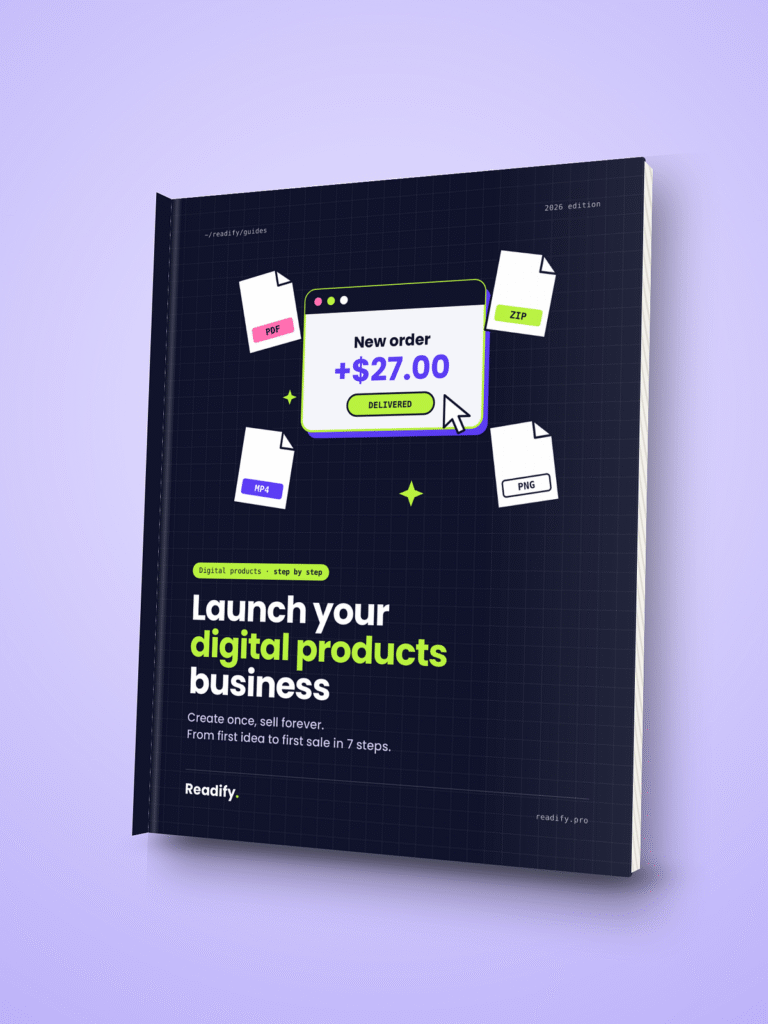
Launch Your Digital Products Business
For ebooks, templates, printables and other files.
- The platform to sell your files, and why
- When upgrading your plan saves you money
- A real profit example on a $19 ebook
- A ready-to-use launch checklist
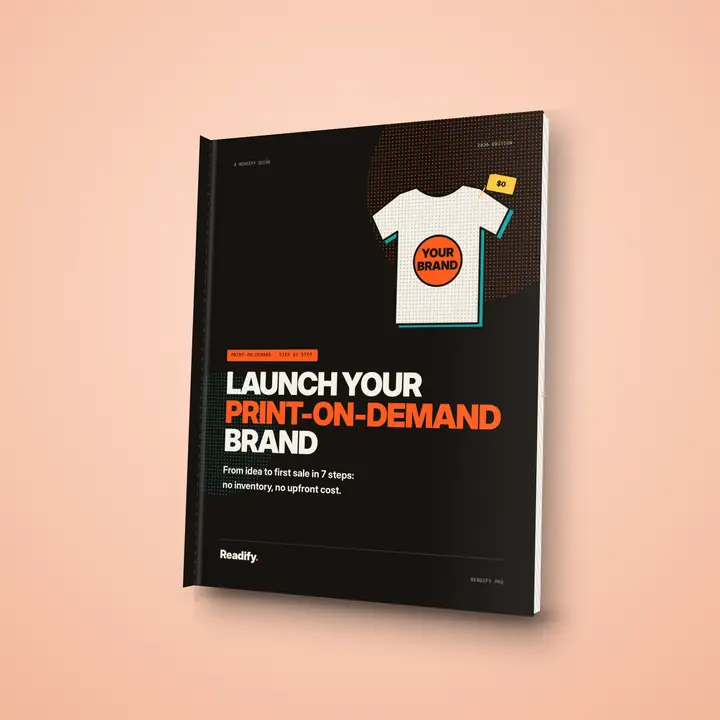
Launch Your Print-on-Demand Brand
For T-shirts, mugs and merch with no stock.
- The best platform for beginners
- A profit formula to price every product
- How to connect your own domain
- A ready-to-use launch checklist
PDF · instant download · beginner-friendly.
Conclusion
Your first product can be small and specific. A focused offer that solves a real problem is a stronger starting point than a large catalog built before you know what buyers want.
Picked your first product? Grab Launch Your Digital Products Business and follow the steps to make your first sale this month.
Choose one idea that uses skills you already have. Write a short description of the result it will help someone achieve, then invite a few likely buyers to join a waitlist or share their thoughts.
You do not need to build every feature before asking whether the idea matters. Pick one idea today and invite a few people who might buy it to respond.
FAQ
What are the easiest digital products to sell for beginners?
Ebooks, templates, checklists and printables are among the easiest digital products to sell, because they are quick to create and easy to explain.
Do I need a website to sell digital products?
No. You can start on a marketplace or a creator platform, then add your own website later for more control over your brand and customers.
How much should I charge for a digital product?
Base your price on the value you deliver, the prices of similar products and your costs, then test and adjust after your first sales.
Which platform is best to sell digital products?
It depends on your product and audience. Our ebook Launch Your Digital Products Business reveals the platform we recommend and why.
One Comment
Comments are closed.