
 7 Morning Habits To Win The Day - PDF
  Productivity For Procrastinators - PDF
  Boosting Productivity - PDF
  Achieving Your Dreams - PDF
 How to Sell Digital Products for Beginners (2026): 7 Steps to Your First Sale
What if you could build something once and get paid for it again and again, while you sleep? That’s the promise of digital products, and it’s one of the most beginner-friendly ways to make money online.
In this guide on how to sell digital products for beginners, you’ll learn what a digital product is, which ones sell best, and the 7 steps that take you from a simple idea to your first sale.
What is a digital product?
A digital product is anything you create once and sell as a file or online access: an ebook, a template, a printable planner, a set of photo presets, a mini-course. There is no stock to buy and nothing to ship. The buyer pays, downloads the file, and you keep almost the entire price as profit.
Why digital products are perfect for beginners in 2026
- Tiny startup cost. Free tools are enough to create your first product.
- Huge margins. No production cost per sale means most of every payment is yours.
- Automatic delivery. Files are delivered instantly, day and night, in every time zone.
- Create once, sell forever. One good product can keep selling for years.
If you prefer physical merch, our print on demand tutorial for beginners shows a similar no-inventory model.
Digital products to sell for beginners
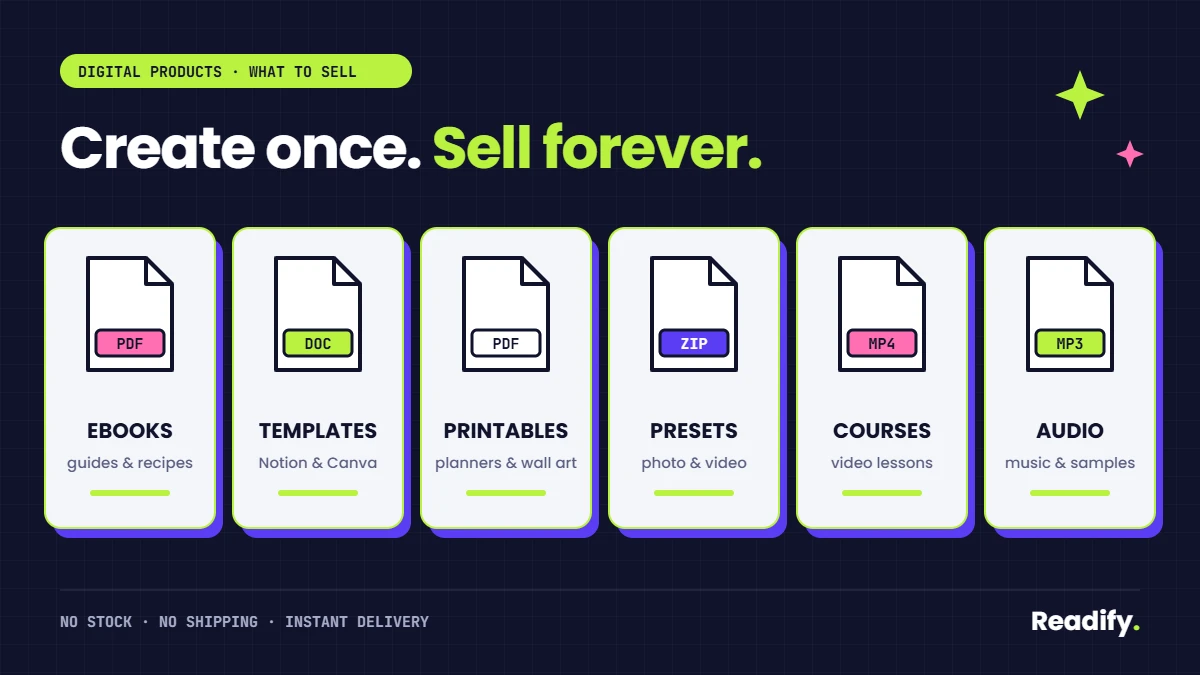
The best first products are small, focused and solve one clear problem:
- Ebooks and guides that teach one specific skill.
- Templates for Notion, Canva or spreadsheets that save people time.
- Printables such as planners, checklists and wall art.
- Presets and assets for photographers and creators.
- Mini-courses made of a few short videos and a workbook.
How to sell digital products for beginners: the 7 steps
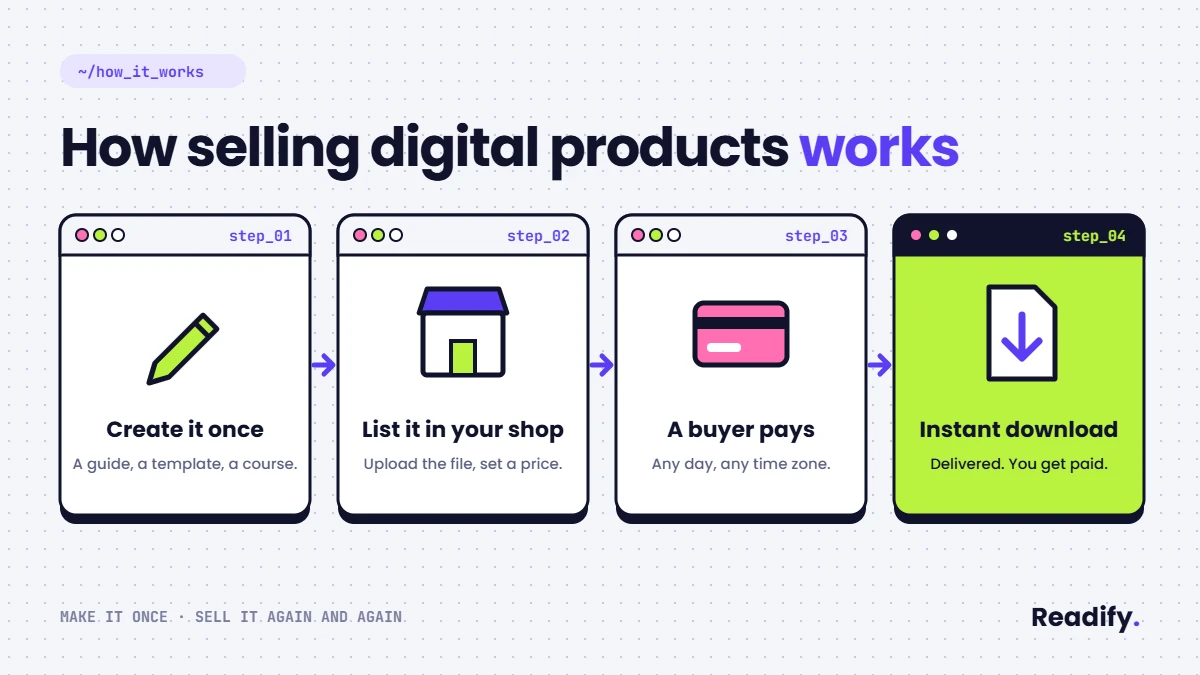
- Find a product people will pay for. Start from a problem, not a format. People buy a result, not a file.
- Create your first product. Small, focused and finished in under two weeks beats perfect and never shipped.
- Open your shop. The right platform hosts your files, delivers them instantly and can even handle sales tax for you.
- Price and list your product. One simple formula tells you what you really keep from each sale.
- Get your own domain name. A real brand name builds trust at checkout.
- Set up your payouts. Know your fees and how the money reaches your bank account.
- Launch and land your first 10 sales. Trust comes first, then the offer: a simple launch plan makes the difference.
Each step sounds simple. The difference between a product that sells and one that sits there is in the details: which platform, what price, when to upgrade and how to launch.
How to Choose Your First Digital Product (3 Beginner Examples)
The best way to learn how to sell digital products for beginners is to start from what you already know. Look at the questions people ask you, the tasks you do faster than others, or the problems you solved for yourself. Here are three examples:
- A fitness enthusiast turns her home workouts into a printable 4-week training plan with a progress tracker.
- A primary school teacher sells sets of printable worksheets that save other teachers hours of preparation.
- A freelance designer packages the social media templates he uses for clients into an editable Canva pack.
Each product solves one specific problem for one specific group of people. That is what makes it easy to explain and easy to buy. Before you create anything, write one sentence: “This product helps [who] to [result] without [pain].” If you can’t finish that sentence, the idea needs more work.
How to Create a Digital Product With Free Tools
You don’t need expensive software to create your first product. Most beginners start with tools they already have:
- Ebooks and guides: write in Google Docs or any word processor, then export as a PDF.
- Templates and printables: design them in Canva and share an editable link or a PDF.
- Spreadsheets and planners: build them in Google Sheets or Excel.
- Mini-courses: record short screen videos with a free recorder and add a simple workbook.
Keep your first version small. A 10 to 20 page guide or a pack of five templates is enough. Ask two or three people from your target audience to test it, fix what confuses them, and add a short “how to use this” page at the beginning.
Finally, create a clean cover or mockup image. Buyers judge digital products by what they see, so a clear visual with the product name and the main benefit makes a big difference on your sales page.
Where to Sell Digital Products: Marketplace or Your Own Shop?
When you learn how to sell digital products for beginners, one of the first decisions is where your product will live. You have two main options:
- A marketplace already has visitors who browse and buy. It can help you get discovered, but you follow its rules, share part of each sale and have less control over your brand.
- Your own shop gives you full control over your prices, your design and your customer list. In exchange, you are responsible for bringing visitors to it.
Many beginners start with the option that lets them launch fastest, then add a second channel once the first product sells. What matters most is that the platform delivers your files automatically, handles payments safely and keeps fees reasonable at your sales level.
Choosing the wrong platform can cost you money every month. In Launch Your Digital Products Business, we reveal the platform we recommend for beginners, and the exact sales level where upgrading your plan starts to save you money.
How to Price Digital Products as a Beginner
Pricing is where many beginners hesitate the most. Use these simple rules to decide:
- Price the result, not the number of pages. A short checklist that saves someone hours is worth more than a long book nobody finishes.
- Check similar products. Look at what comparable guides or templates cost, then position yours based on how specific and practical it is.
- Start reasonable, then adjust. Small digital products are often sold at an accessible price so the decision is easy. Raise the price as you add reviews and improvements.
- Count every fee. Platform fees, payment fees and taxes reduce what you keep from each sale, so include them before you set your final price.
Our ebook shows a real profit example on a $19 ebook, fee by fee, so you can see exactly how much reaches your bank account.
How to Get Your First Customers Without Paid Ads
You don’t need an advertising budget to make your first sales. Most beginners sell their first products through people who already know or follow them:
- Give something away first. Offer a free mini version of your product, such as one template or a short checklist, in exchange for an email address.
- Share useful content. Post tips related to your product on the social network where your audience spends time, and link to your offer.
- Join communities. Answer questions in groups and forums about your topic. Help first, and mention your product only when it is truly relevant.
- Collect feedback and reviews. Ask your first buyers what they liked, and use their words on your sales page.
How to Sell Digital Products for Beginners: A 30-Day Plan
Here is a realistic first month to go from idea to first sale:
- Week 1: choose one problem, one audience and one product format. Write your one-sentence promise.
- Week 2: create the first version of your product and test it with two or three people.
- Week 3: open your shop, write your product page, set your price and prepare your free mini version.
- Week 4: launch to your contacts and followers, share three pieces of content, and follow up with everyone who downloaded your freebie.
Small, focused and finished beats big and perfect. Your first product is a test: once it sells, you’ll know what to create next.
3 mistakes that stop beginners from making sales
- Building a huge course first. Months of work before you know if anyone wants it.
- Choosing a platform without checking the fees. Monthly bills and hidden cuts quietly eat your profit.
- Launching to nobody. Without a small audience or email list, even a great product stays invisible.
Ready to start? Get the complete step-by-step guide
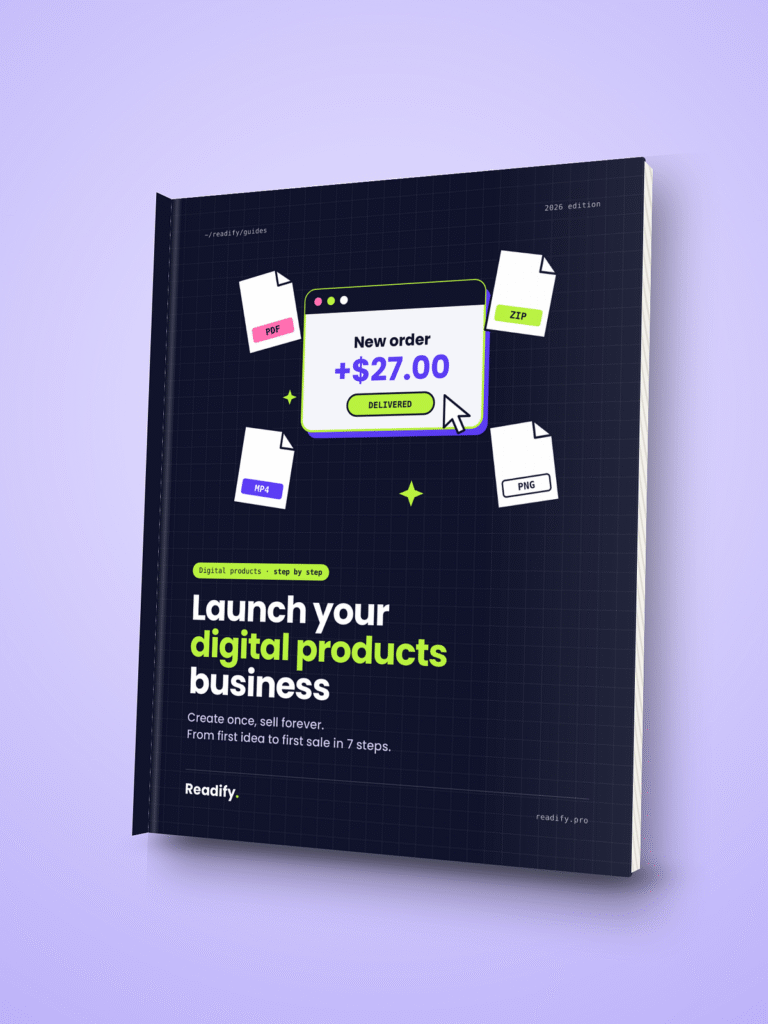
This article gives you the map. Launch Your Digital Products Business gives you the exact route.
In just 10 pages, with no fluff, you’ll discover:
- The platform I recommend to sell your files, and why
- The exact sales level where upgrading your plan saves you money
- A real profit example on a $19 ebook, fee by fee
- A ready-to-use launch checklist so you don’t miss a thing
PDF · instant download · beginner-friendly.
FAQ
Can I sell digital products without a website?
Yes. You can start with a hosted shop or a marketplace that delivers your files automatically. A website becomes useful later to build your brand, collect emails and keep more of each sale.
Do I have to pay taxes on digital product sales?
In most countries, yes. Income and sales tax or VAT rules depend on where you and your buyers live. Some platforms collect sales tax or VAT for you, but always check your local rules or ask an accountant.
What file format should I use for a digital product?
PDF is the safest choice for ebooks, guides and printables because it opens on any device. For templates, share an editable link or the native file (Canva, Google Sheets, Excel), and add a short PDF with instructions.
What digital products sell best for beginners?
Small products that solve one clear problem: short guides, templates, checklists and printables. They are quick to create and easy to explain.
Do I need an audience to sell digital products?
It helps a lot. Start building a small email list with a free mini version of your product, even before you launch.
How much does it cost to start?
You can create your first product with free tools and open a shop for $0. A domain name is the main small expense.
How long does it take to make the first sale?
It depends on your idea and your launch. With a focused product and a simple launch plan, many beginners make their first sales within their first month.
Create once, improve often, and let your first sale prove the idea. Get the step-by-step guide here →

One Comment
Comments are closed.